Coinbase AI agent auto-stop halts new trades; announcement silent on open orders
In brief
- Coinbase Agent Controls, announced Nov. 11, add per-trade caps and a 24-hour trading volume cap.
- Auto-stop halts new agent trades after a set portfolio percentage loss.
- CryptoSlate notes the announcement doesn't say auto-stop cancels orders or closes positions.
- Isolated agent portfolios are spot-only; US futures require the default portfolio.
What Coinbase announced
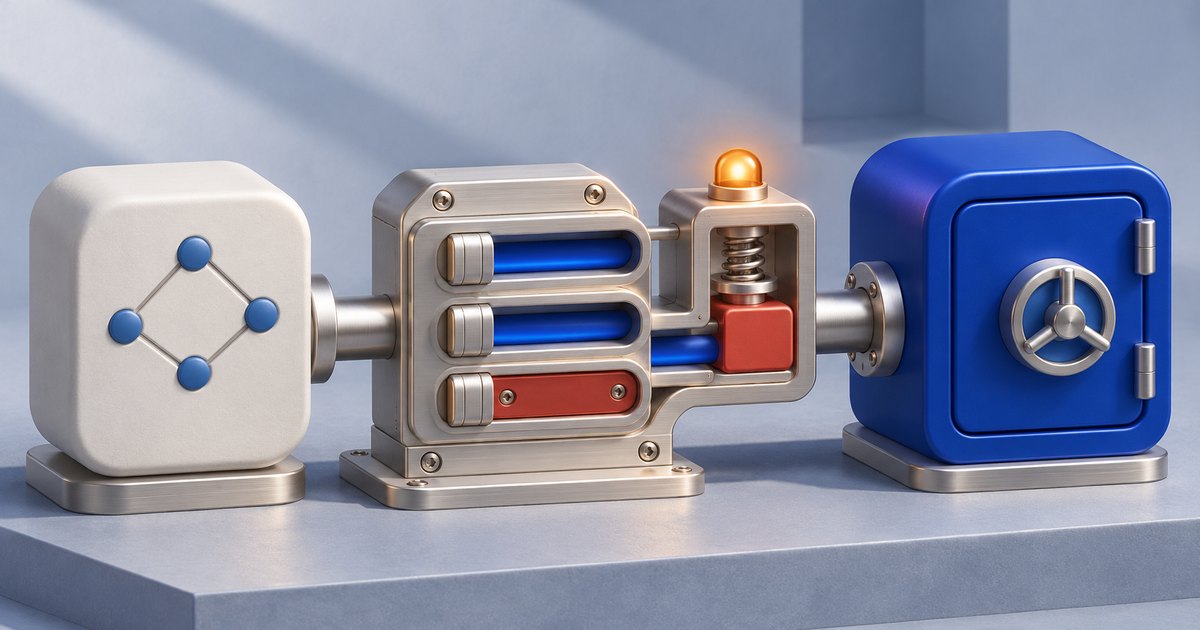
The Nov. 11 announcement adds limits enforced on Coinbase's servers, while users stay responsible for the trades their agents make, CryptoSlate reported. There are two caps. One sets a maximum dollar amount per trade, and the other limits total trading over 24 hours (trades above that volume limit don't go through). Auto-stop adds a portfolio percentage-loss trigger, and once it fires, the agent stops placing trades until the user turns trading back on in the Coinbase app.
Coinbase says enforcement runs on its servers, where the agent can't bypass or change the limits itself. Users manage settings through their authenticated account. Product-category permissions (whether an agent may trade crypto, equities or derivatives) are labeled coming soon.
On Nov. 13, CEO Brian Armstrong promoted the controls as a way to make AI use in financial accounts safe.
The gap in auto-stop
CryptoSlate's reading is more cautious. The announcement doesn't say auto-stop cancels outstanding orders or closes positions, the outlet wrote. It also gives no loss-calculation baseline or valuation frequency, and it leaves the 24-hour window undefined.
A pause on new trades does not mean existing orders have been canceled, positions closed, or losses ended.
Coinbase's own docs point the same way. Its equity guidance warns that receiving an order ID isn't proof of a fill and that individual cancellation results must be checked. The command reference lists canceling an order and closing a position as separate operations, with availability depending on the product.
CryptoSlate's conclusion: a stopped agent isn't confirmation that exposure has ended.
How agents connect
Supported AI apps connect through remote MCP using Coinbase OAuth, with users approving portfolios. The local command-line interface uses a CDP API key scoped to selected accounts, with Trade and Transfer permissions (Transfer allows internal portfolio moves). Coinbase also keeps a client allowlist, so compatibility alone doesn't grant access.
The setup documentation recommends a dedicated portfolio funded with only what the user is willing to risk, with agent access restricted to it. There's a catch, though. Isolated agent portfolios are spot-only, and US futures require the default portfolio. Coinbase's product page says crypto, stocks and futures availability depends on region and account eligibility.
Frequently asked questions
What does Coinbase's auto-stop do for AI trading agents?
Auto-stop adds a portfolio percentage-loss trigger. Once it's hit, the agent stops placing trades until the user turns trading back on in the Coinbase app. According to CryptoSlate, the announcement doesn't say auto-stop cancels outstanding orders or closes existing positions.
Can an AI agent bypass Coinbase's trading limits?
Coinbase says enforcement runs on its servers, where the agent can't bypass the limits or change them itself. Users manage settings through their authenticated Coinbase account, and they remain responsible for the trades their agents make.
Can Coinbase agents trade futures from an isolated portfolio?
No. According to Coinbase's documentation, isolated agent portfolios are spot-only and US futures require the default portfolio. Coinbase's product page also says crypto, stocks and futures availability depends on region and account eligibility.